
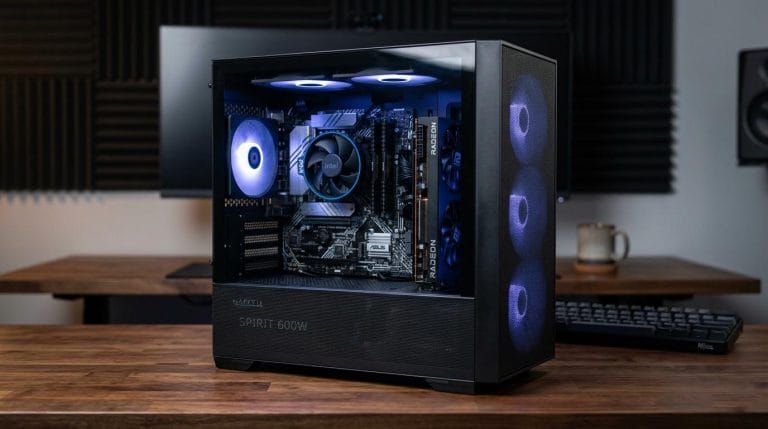
With hardware prices fluctuating and tech advancing like crazy, a lot of people think budget pc build 2026 building is dead. It’s not! You just have to be smart about your components. If you want to push 1080p high-frame-rate gaming or set up a smooth multitasking station without breaking the bank, this $500 blueprint balances performance, cost, and a solid upgrade path.
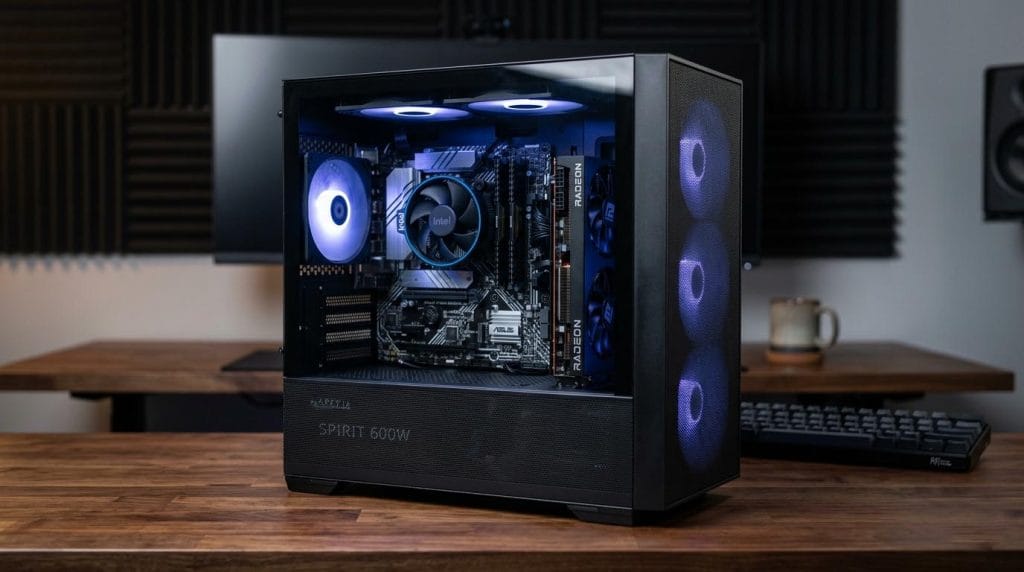
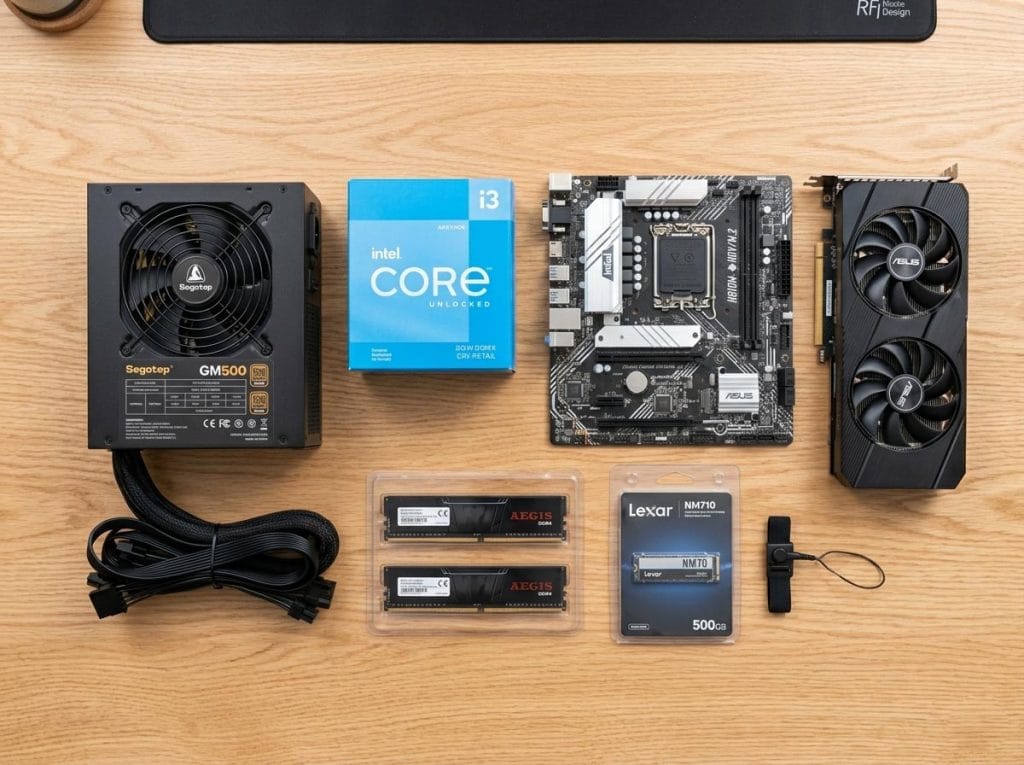
🛠️ The 2026 Ultra-Budget pc build 2026 Component List (~$500 Total)
CPU: Intel Core i3-12100F (or AMD Ryzen 5 5500)
- Why: Still the absolute kings of budget 1080p gaming. They don’t bottleneck entry-level GPUs and run cool enough for stock fans.
GPU: Intel Arc A580 8GB (or a used AMD RX 6600 / RTX 3060)
- Why: In 2026, the Arc A580 offers incredible value with mature drivers, giving you solid 8GB VRAM and DLSS/XeSS upscaling support for modern titles.
Motherboard: MSI PRO B760M-P DDR4 (or any budget H610M / A520M)
- Why: Keeps costs down by using reliable, affordable DDR4 tech while offering room for future storage expansion.
RAM: 16GB (2x8GB) DDR4 3200MHz (Teamgroup or Corsair)
- Why: 16GB is the baseline for gaming and content creation today. Dual-channel is a must!
Storage: 512GB NVMe M.2 SSD (KingSpec or Crucial)
- Why: Blazing fast boot times. You can always add a cheap 1TB drive later when your budget allows.
PSU: 550W–650W 80+ Bronze Certified (Apevia or Segotep)
- Why: Don’t cheap out on unrated power supplies! A solid 550W-650W unit keeps your system safe and leaves headroom for future GPU upgrades.
Case: Montech X3 Mesh (or any budget case with pre-installed fans)
- Why: Excellent airflow out of the box means you don’t have to buy extra case fans.
💡 Top 3 Budget pc build 2026 Tips:
- Skip the Aesthetics (For Now): Drop the expensive custom AIO liquid coolers or premium RGB strips. Put every dollar into the CPU and GPU.
- Look at the Used Market: Don’t be afraid of a used GPU from a reputable seller. Picking up a used RTX 3060 or RX 6600 can stretch your dollar massively.
- Use Stock Coolers: The budget CPUs mentioned above come with coolers in the box. Use them—they work perfectly fine for standard gaming!
What are you playing on right now? Budget pc build 2026 Would you build this or save up for a mid-tier rig? Let me know in the comments! 👇
#PCBuilding #BudgetPC #GamingPC #TechOnABudget #PCBuild2026 #IntelArc #Ryzen #GamingRig
🎮 Performance Benchmarks: What to Expect in 2026?
You might be spending entry-level money, but you aren’t getting entry-level performance. Thanks to modern upscaling technologies like Intel XeSS and AMD FSR, this $500 machine punches way above its weight class at 1080p resolution.
Here is what you can realistically expect from popular titles today:
- Esports Titles (Valorant, Fortnite, League of Legends): You will easily clear 144+ FPS at 1080p Competitive settings, making this rig perfect if you own a high-refresh-rate gaming monitor.
- Call of Duty: Warzone & Apex Legends: Expect a very smooth 80–100 FPS on a mix of Medium and High settings.
- AAA Heavy Hitters (Cyberpunk 2077, GTA VI, Hogwarts Legacy): By leveraging Medium settings and turning on XeSS/FSR Quality mode, you will securely lock in a cinematic 60 FPS without constant stuttering.
🛠️ Step-by-Step Assembly Guide for Beginners Budget pc build 2026
Building your first PC can feel like handling high-tech Lego blocks. Follow this streamlined order of operations to ensure a smooth, error-free build day:
Step 1: Prep the Motherboard (The “Out-of-Case” Work)
Always install your core components onto the motherboard before putting it inside the case. It gives you much more room to maneuver. Place your motherboard flat on top of its cardboard box (never on a carpet!). Open the CPU socket, align the triangle on your processor with the triangle on the socket, and gently drop it in. Lock it down, apply a pea-sized drop of thermal paste (if your cooler doesn’t have it pre-applied), and mount the stock cooler.
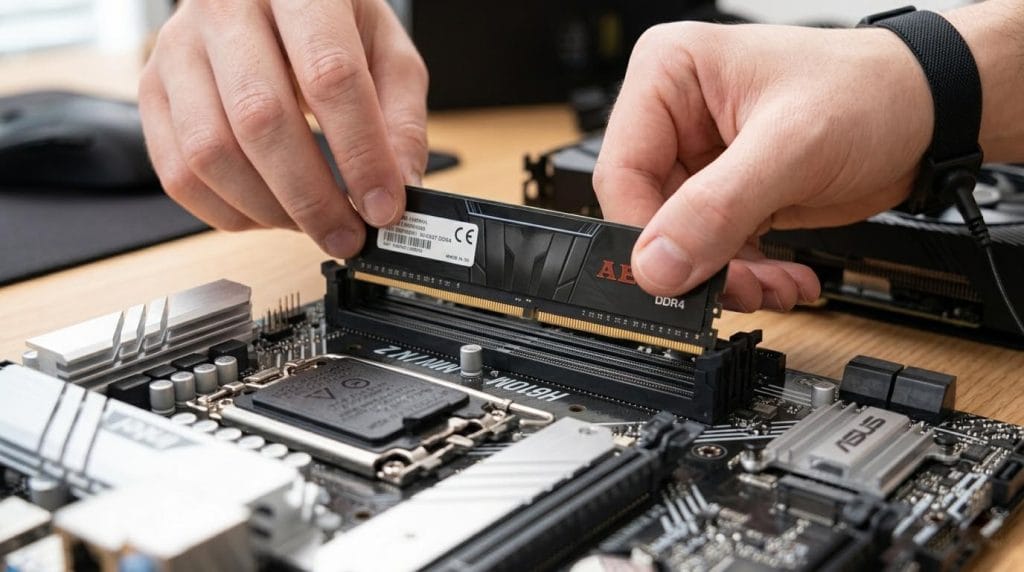
Step 2: Click in the RAM and SSD
Insert your two sticks of DDR4 RAM into slots 2 and 4 (check your motherboard manual to confirm optimal dual-channel slots). Push down firmly until you hear a satisfying click on both ends. Next, unscrew the M.2 slot, slide your 512GB NVMe SSD in at a 30-degree angle, press it flat, and secure it with the tiny motherboard screw.
Step 3: Case Preparation & Power Supply
Unbox your Montech case and remove both side panels. Install the power supply (PSU) into the bottom shroud, ensuring the intake fan is facing downwards to pull in cool air from underneath the case. Route the main 24-pin motherboard cable and the 8-pin CPU cable through the back management holes so they are ready to plug in.
Step 4: Mount the Motherboard and GPU
Line up the motherboard’s rear ports with the case’s I/O shield and screw the board down into the case standoffs. Plug in your power cables and the front panel case connectors (power button, USB ports, audio). Finally, open the PCIe slot latch, plug your Intel Arc graphics card directly into the top slot, screw it into the case chassis, and plug in its dedicated PCIe power cables.
🏁 Final Verdict: Is It Worth It?
Absolutely. Spending $500 on a custom PC in 2026 gives you significantly better performance, lower game prices, and far more versatility than a locked-down home console. Plus, because we chose a reliable motherboard and a solid 550W+ power supply, you can easily swap out the CPU or upgrade to a more powerful graphics card a couple of years down the road without building a whole new system from scratch.